Login
After add account, you can login your account with TBS.
You need click on the account you want on the table, you will see the right pannel change like image below.
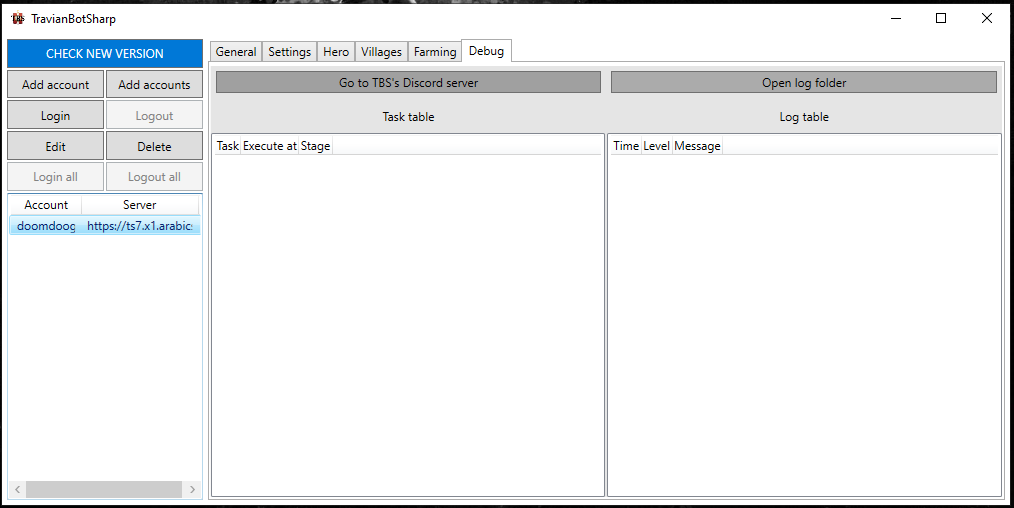
Then click on Login button.
Note
You may want to change account’s settings before
After clicking on the button, you will see Chrome browser open and auto login your account.
Note
In the first time, TBS will go through all your village to get all information. Check debug tab before you do anything.
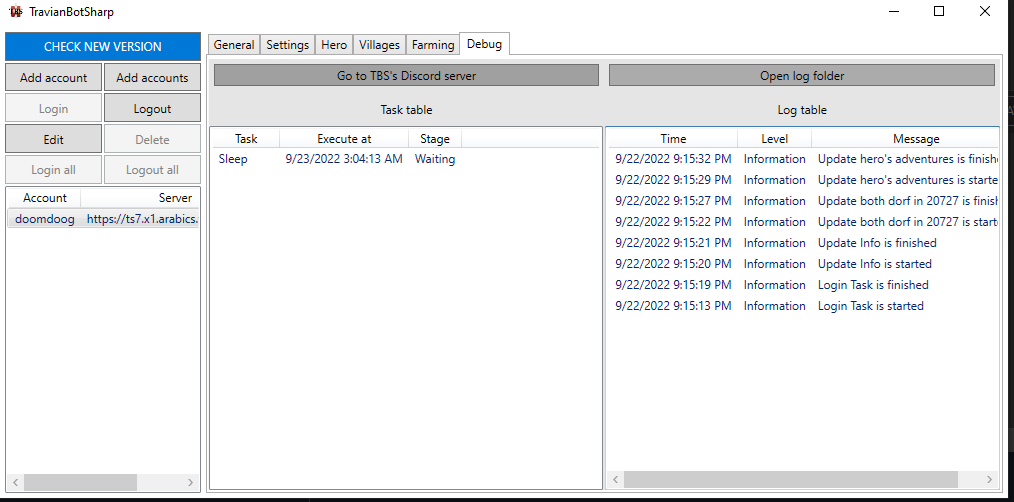
That’s it