Auto builder
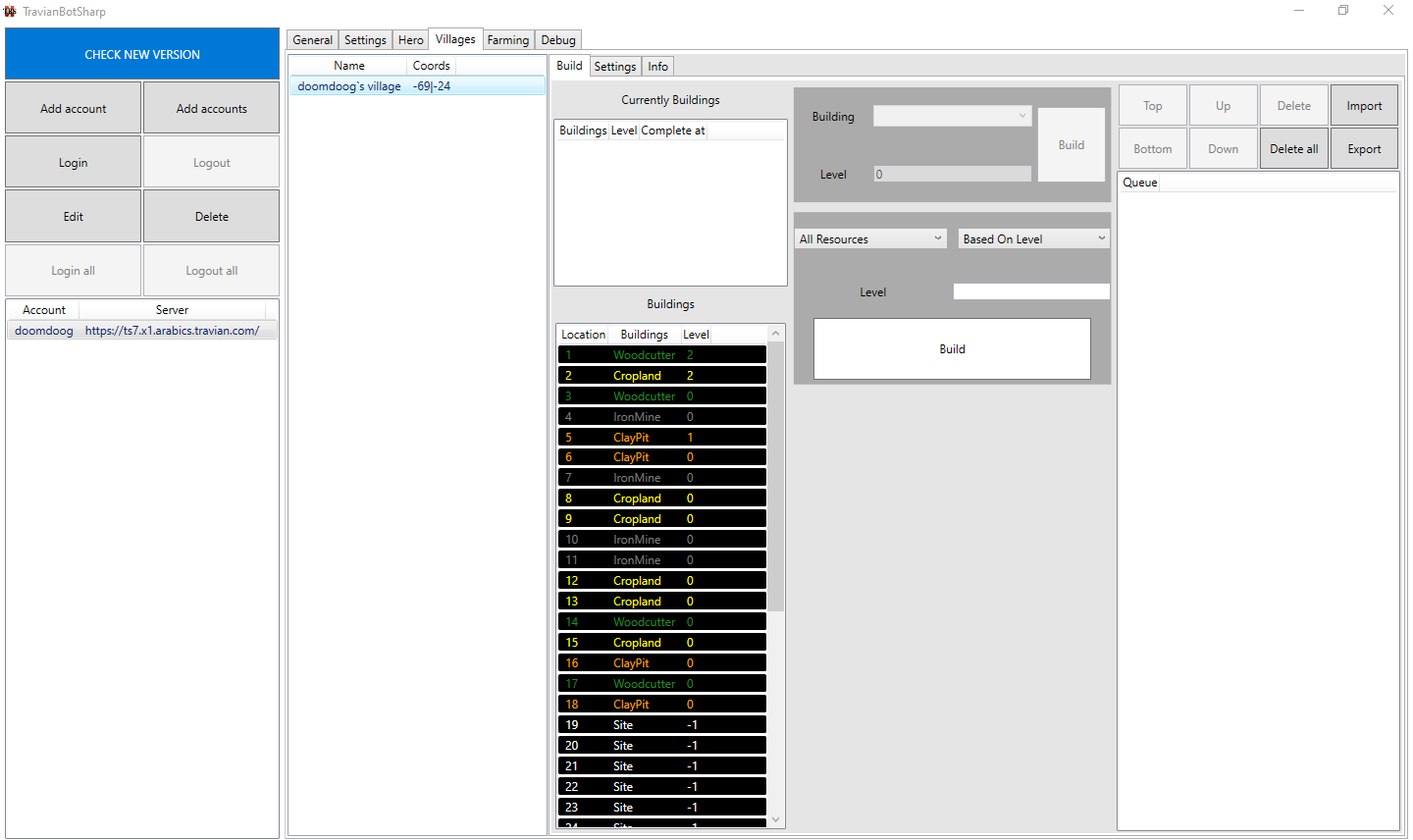
Currently buildings
Show current queue ingame. ( Just for info )
Buildings
Show buildings in resource & building page.
Note
You can update these manually by clicking buttons on Villages>Info tab.
Queue
Show planned building, TBS will choose from these buildings to build.
Note
It is a good idea when you create your own queue without login account.
Add building to queue
Add single building
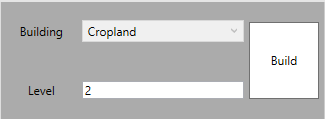
Choose building position in buildings table.
If that is site, it means there is not building there, so you can choose what building you want.
Enter level you want and click build.
Your building will be show in queue table
Add multiple resource fields
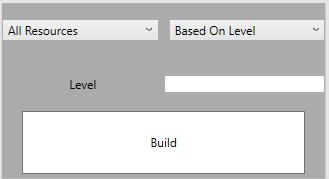
Choose what resource fields you want ( All resources/Exclude crop/Only crop )
Choose order you want ( Based on level - low level build first / based on resource - low resource in storage build first )
Enter level you want and click build.
Your building will be show in queue table