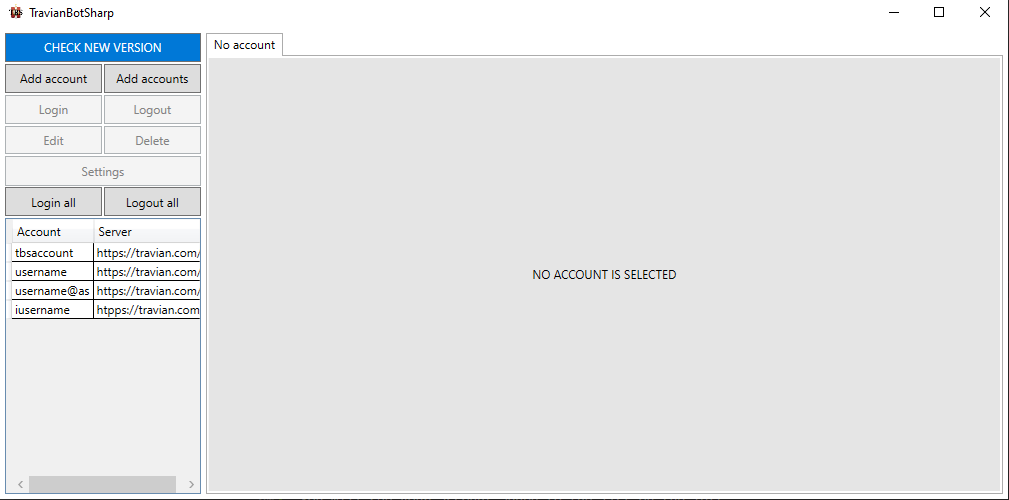
Add account
Add single account
Step 1:
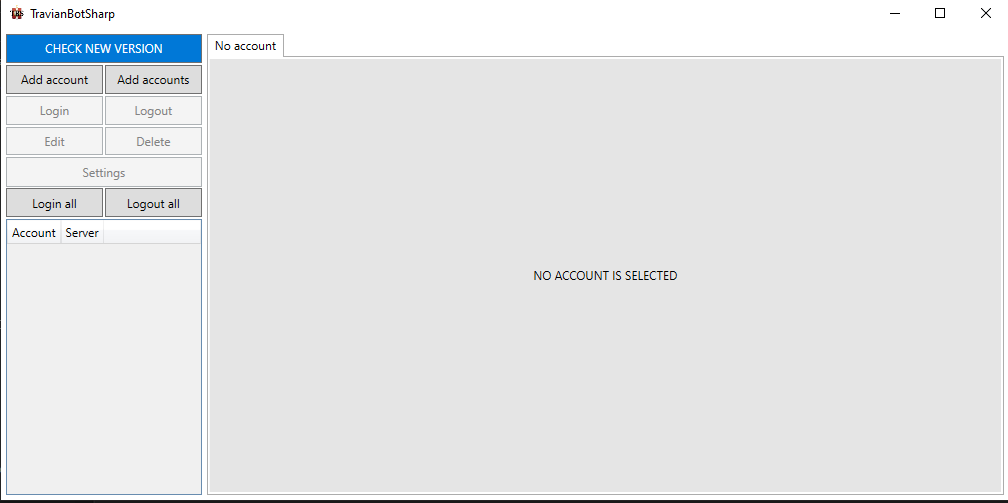
Click on the Add account button.
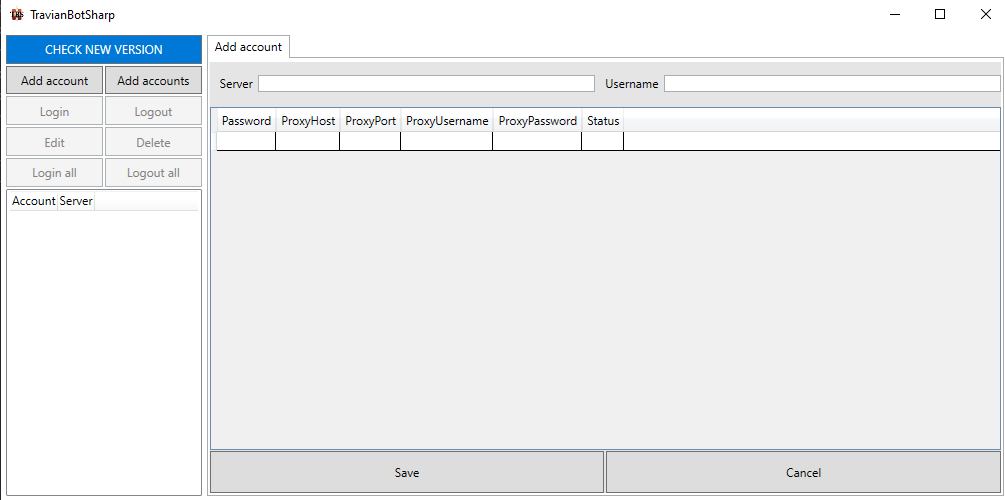
Step 2:
Fill your account information.
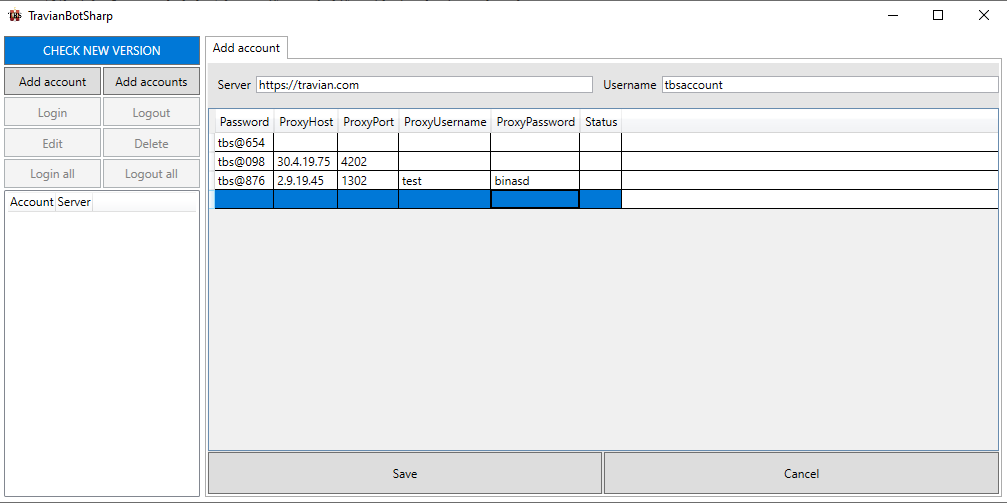
Note
Make sure your server url has https:// or http:// at the beginning.
Step 3:
Click save button.
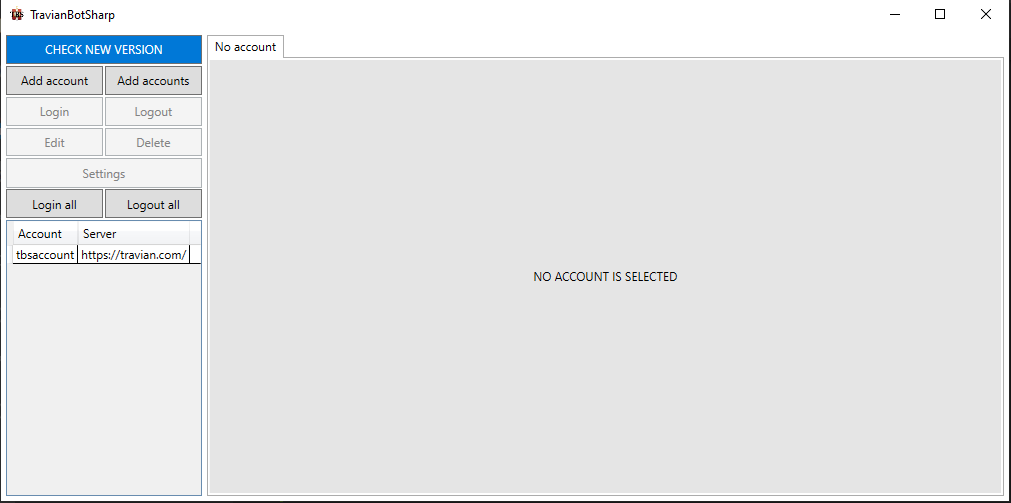
You will see your account added to the list on the left.
Add multiple accounts
Step 1:
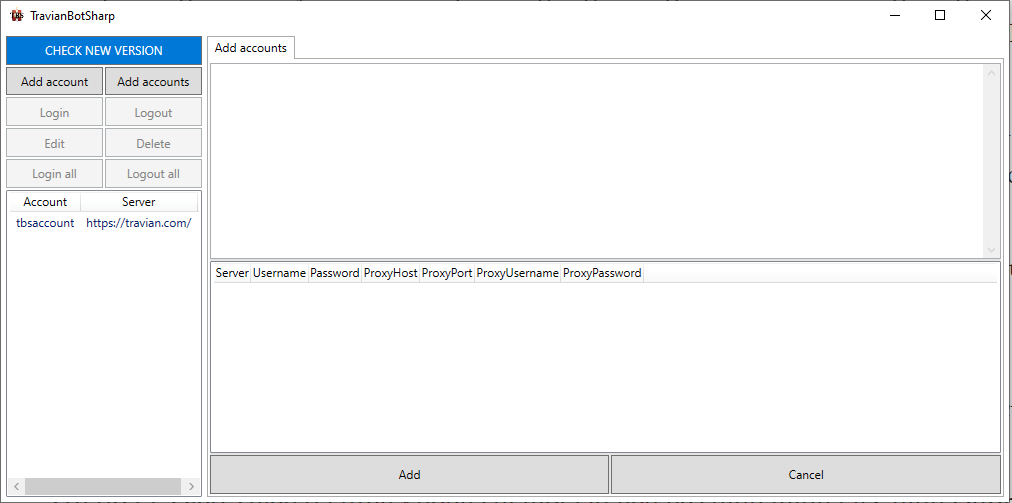
Click on the Add Accounts button.
Step 2:
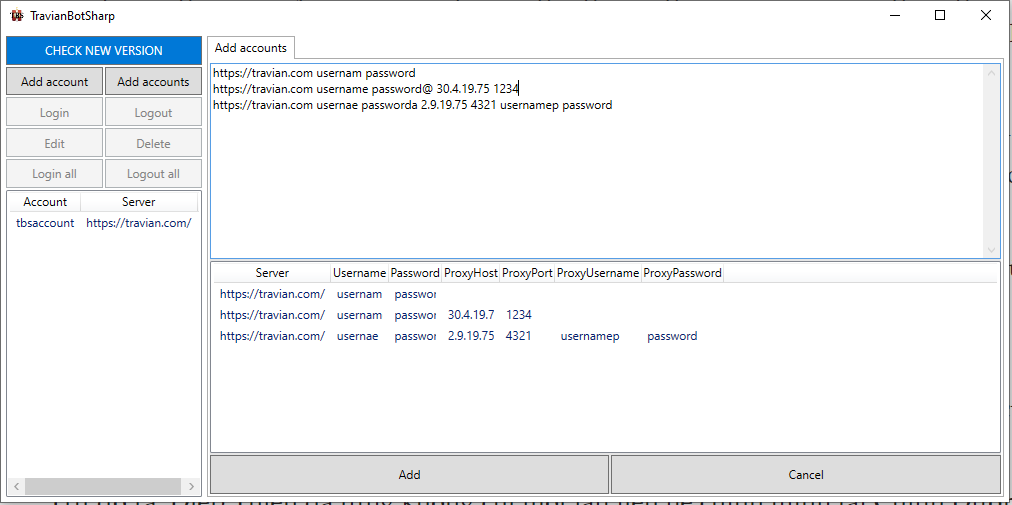
Fill your account information.
Note
Make sure your server url has https:// or http:// at the beginning.
After finish one account, please press space or enter to update account table.
Step 3:
Click save button.
You will see your account added to the list on the left.